

- cross-posted to:
- opensource@programming.dev
- opensource@lemmy.ml
- cross-posted to:
- opensource@programming.dev
- opensource@lemmy.ml
cross-posted from: https://lemmy.ml/post/43288310
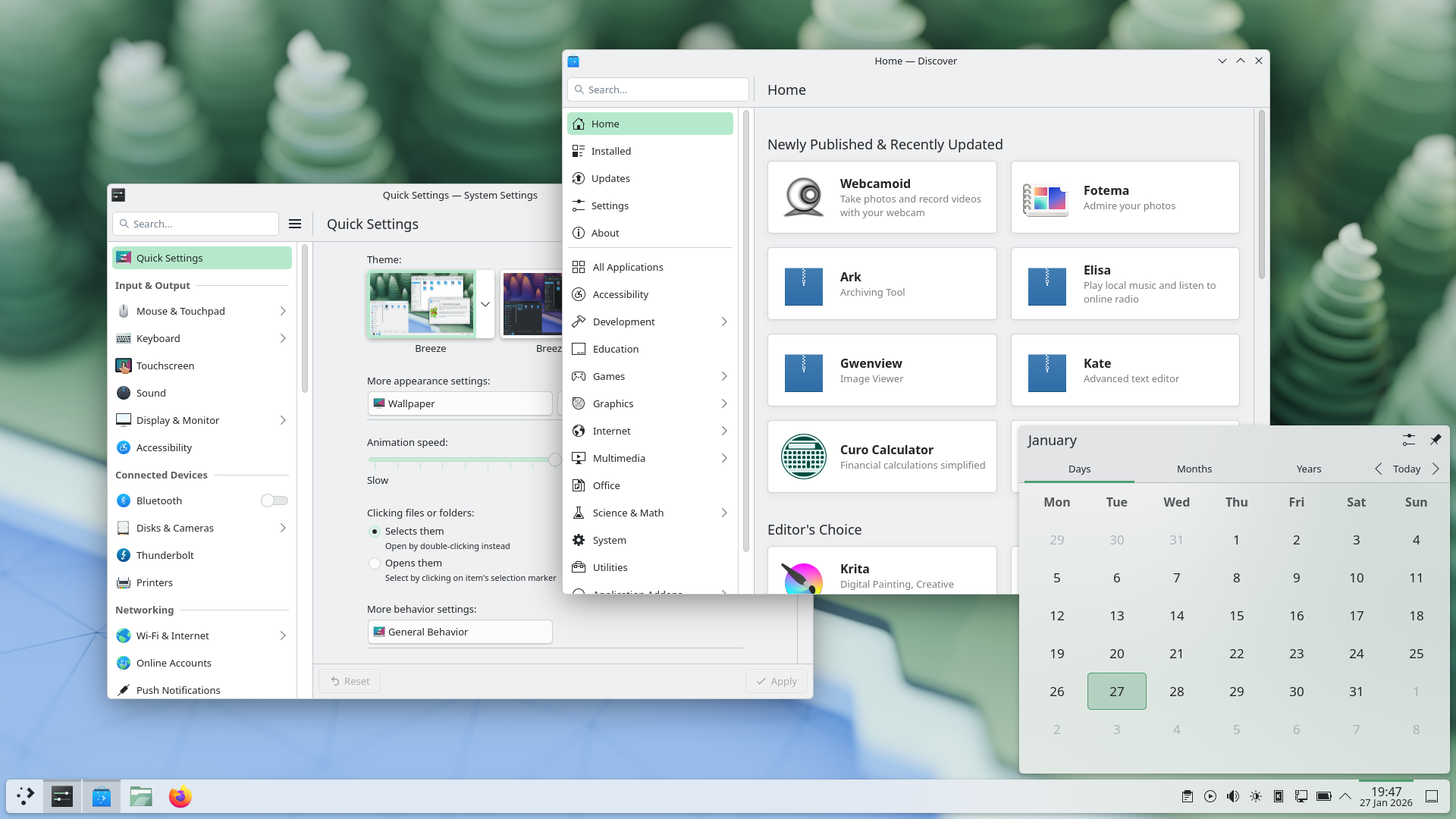
In KDE Plasma 6.6 Spectacle can read texts from screenshots, a new on-screen keybord is available for testing, a first-time wizard was added, current theme can be saved as a new global theme, emoji selector got a new easier skin tone selection, you can now connect to a Wi-Fi network via a QR code, application sound volume can be changed by scrolling over a taskbar button via mouse, and there is much more.
You must log in or # to comment.
KDE absolutely ridiculing Windows yet again
Meanwhile Microsoft broke the fucking Notepad
The volume slider with a scroll wheel over the taskbar icons is such a clever little addition. It makes so much sense. I can’t believe nobody else thought of this.
Spectacle OCR is fantastic news. That is really going to simplify one of my current workflows.
As long as it can be turned off and does not use any non-local services for OCR it’s a good addition. As much as convenience is nice, privacy still has to come first.
The OCR is offline, using Tesseract, there is nothing online about it.
It only activates when you press a button, so there is nothing to turn off either.
this is the way. They get nice stuff done without shoving AI in. Eat shit microslop!
How about Plasma Login Manager?
It’s mentioned as the second point in “But that’s not all…”:
An optional new login manager for Plasma
KDE is awesome. Congrats to all people involved with it.
Sounds like KDE is also doing a lot of work that will be helpful on phones, nice!
You can also filter windows out of a screencast by choosing a special option from the pop-up menu that appears when right-clicking a window’s title bar:
An option to hide windows from Spectacle, when recording a screencast. Admittedly I am not much of a screencast person, but its good to know in case I need it as I have some future plans. So I could have some notes or the web browser open in same virtual desktop I am recording from.
Damn, I just love KDE, but my Linux Mint doesn’t support it anymore so I have to satisfy Cinnamon.
Just another reason not to use Mint.
What else should I use? It just works and I don’t want to mess with my computer anymore.
fedora KDE has been pretty painless for me, and if you want something that’s still ubuntu based, kubuntu looks good too
CachyOS, Nobara, Bazzite, there’s a lot of good options.
The ability to have virtual desktops only on the primary screen
sigh. I guess. I think I just need to settle on the fact KDE is never going to allow dedicated virtual desktops per monitor. I really want to use Plasma but this is a deal breaker for me.
I mean, this looks like a step towards that direction, no?