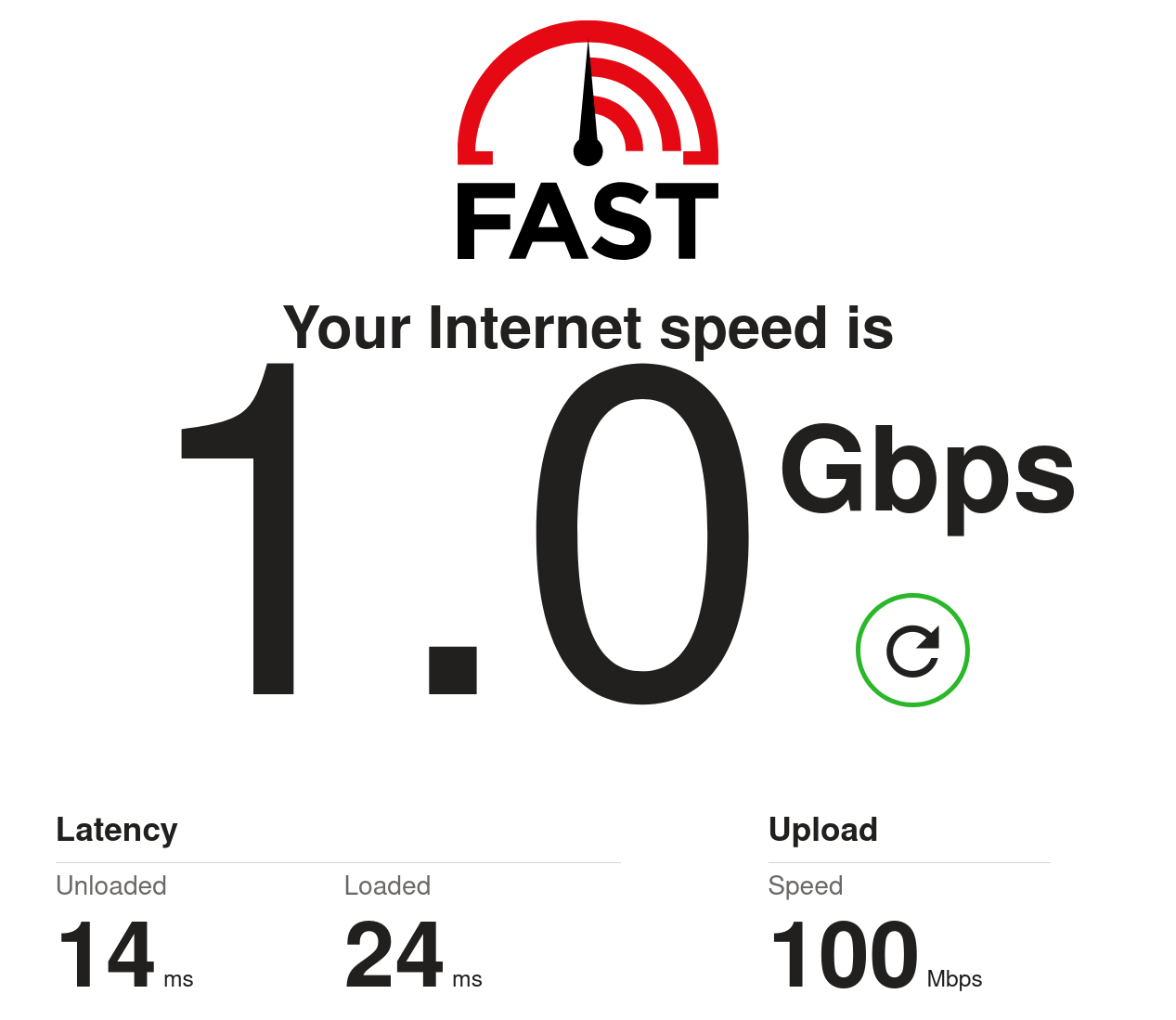
Six years ago, I nearly got my ISP to upgrade our fibre connection to 1Gbps. As I said at the time: This is a curmudgeonly post which is going to look ridiculously outdated in a few years. What's the point of Gigabit broadband? Well, it's a few years later and Virgin Media have just given me their Gig1 package for £30 per month. Nice! With all the inflation related price rises, it's great to …


most routers are way too underpowered for that. you are happy if yours has 128 MB of RAM and 64 MB storage, and then you can imagine how is it with their CPU.
Actually, no. That’s a very simple basic functionality. A router needs to identify the streams (identified by the 5-tuple of source and destination IP and port and the protocol) to work at all. It also needs to prioritise traffic to work at all.
Combining both features is trivial even on 128mb RAM, and it’s implemented in most routers.
and what should the router do with traffic going to TCP port 443? because that’s most things going to the internet. it could be video streaming. it could be a video call. it could be someone scrolling unimportant shit on facebook. it could be any of your dozen IoT devices uploading telemetry to the manufacturer. it could be literally anything. you can’t meaningfully prioritize traffic based on just what service is it, you need to keep track of the recent usage of each connection, and that will cost CPU power.
The algorithm is super easy:
A stream is defined as something that shares the same Source IP, Target IP, Source port, Target port and protocol, so e.g. “TCP 192.168.0.2:45231 -> 80.0.0.1:443”. This 5-tuple is guaranteed to be unique at a certain time.
The router counts how many packets each stream had in the last second.
If the bandwith is at its limit and two streams want to send a packet, prioritize the one that had fewer packets in the last second.
This covers all of your bases:
The cool thing is, this algorithm needs extremely little space in RAM and is extremely easy on the CPU too. To store a stream’s data you need 13 bytes for the metadata plus 3 bytes for the package counter, netting 16 bytes per stream. That’s 64 concurrent streams per Kilobyte of used RAM. A megabyte fits 64k streams. You can implement that algorithm on an original Gameboy and it wouldn’t sweat.
Also, remember that this algorithm only looks at the last second or so of data, so it can drop all idle sessions within just one second. 64k concurrent streams within one second is enough for professional-grade office routers.
Source: I actually spent the first 7 years of my carreer at a company that makes routers and switches and developed the software for them. 128MB RAM was what our mid-range models had, and every single model we had had traffic priorisation.
In fact, our network-provider-grade routers and switches had dedicated network metadata RAM, and they were usually limited to 4-16MB.
The only reason your router even has 128MB RAM or more is so that it can display a fancy configuration web page with images.