Funnily enough I actually have Firefox open by default whenever I boot up my PC.
I have no taskbar or desktop items. I always default to a specific workflow of pressing the windows key (or whatever we call it for Linux), and searching for everything. I have since early windows 10.
I realised that 90% of the time, I was opening Firefox, so now it just opens. I have a pretty minimal toolbar setup for it, so it’s basically just an address bar that automatically focuses when I start typing.
One day I’ll set up something where I have multiple search hotkeys for web search, file search, application search, music etc, that will sort of replace this.
Sounds like you’d like a power launcher style workflow like KRunner or Rofi. Instead of hitting the meta key to bring up the start menu and search for the app you need, bind a key to KRunner or Rofi and invoke the app you want directly. These solutions also natively integrate file search, web search, quickly toggling settings, do in-place calculations etc.
Psst… KDE’s launcher search is the same search as KRunner, just in the launcher! So you don’t need to make any changes at all for a “hit command, start typing” workflow.
(yeah we call it the command key, we come from Mac, but I like ‘command’/「⌘」 and it doesn’t have to be apple-specific :3)


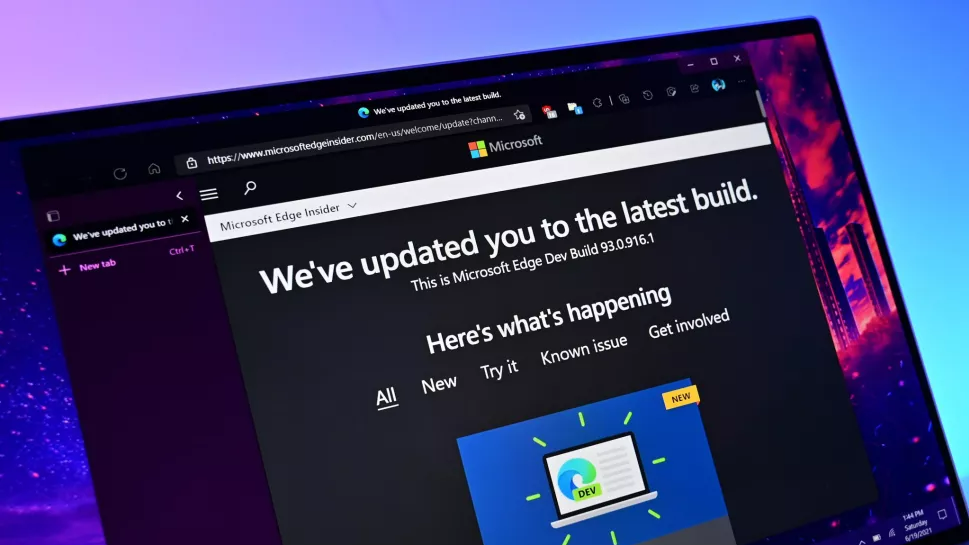
Funnily enough I actually have Firefox open by default whenever I boot up my PC.
I have no taskbar or desktop items. I always default to a specific workflow of pressing the windows key (or whatever we call it for Linux), and searching for everything. I have since early windows 10.
I realised that 90% of the time, I was opening Firefox, so now it just opens. I have a pretty minimal toolbar setup for it, so it’s basically just an address bar that automatically focuses when I start typing.
One day I’ll set up something where I have multiple search hotkeys for web search, file search, application search, music etc, that will sort of replace this.
We call it the “meta” key. And no, not related to the company formerly known as Facebook.
Sounds like you’d like a power launcher style workflow like KRunner or Rofi. Instead of hitting the meta key to bring up the start menu and search for the app you need, bind a key to KRunner or Rofi and invoke the app you want directly. These solutions also natively integrate file search, web search, quickly toggling settings, do in-place calculations etc.
Psst… KDE’s launcher search is the same search as KRunner, just in the launcher! So you don’t need to make any changes at all for a “hit command, start typing” workflow.
(yeah we call it the command key, we come from Mac, but I like ‘command’/「⌘」 and it doesn’t have to be apple-specific :3)
– Frost